常用动效收录
吸顶导航
吸顶导航
路由切换动效
组件切换动效
路由切换动效实现方式一致. 注意vue3路由切换写法与vue2不一样
html
<!-- vue3路由切换写法 -->
<template>
  <div id="app">
    <router-view v-slot="{Component}">
      <keep-alive>
        <transition :name="animation">
          <component :is="Component" />
        </transition>
      </keep-alive>
    </router-view>
  </div>
</template>

<template>
  <router-view v-slot="{ Component }">
    <transition name="slide-fade" mode="out-in" :duration="{ enter: 500, leave: 300 }">
      <component :is="Component" />
    </transition>
  </router-view>
</template>
参考资料
列表动效
列表跟进动效
看着华丽,但实际实现并不优雅,数据必须先清空,再等400毫秒才能填充,这400毫秒是留给css执行动画的。因此并不实用
参考资料
气泡提示
弹窗提示
无限轮播
从下往上冲出/从上往下收缩
从左往右冲出/从右往左收缩
右键菜单显示/隐藏效果
文字循环无限滚动
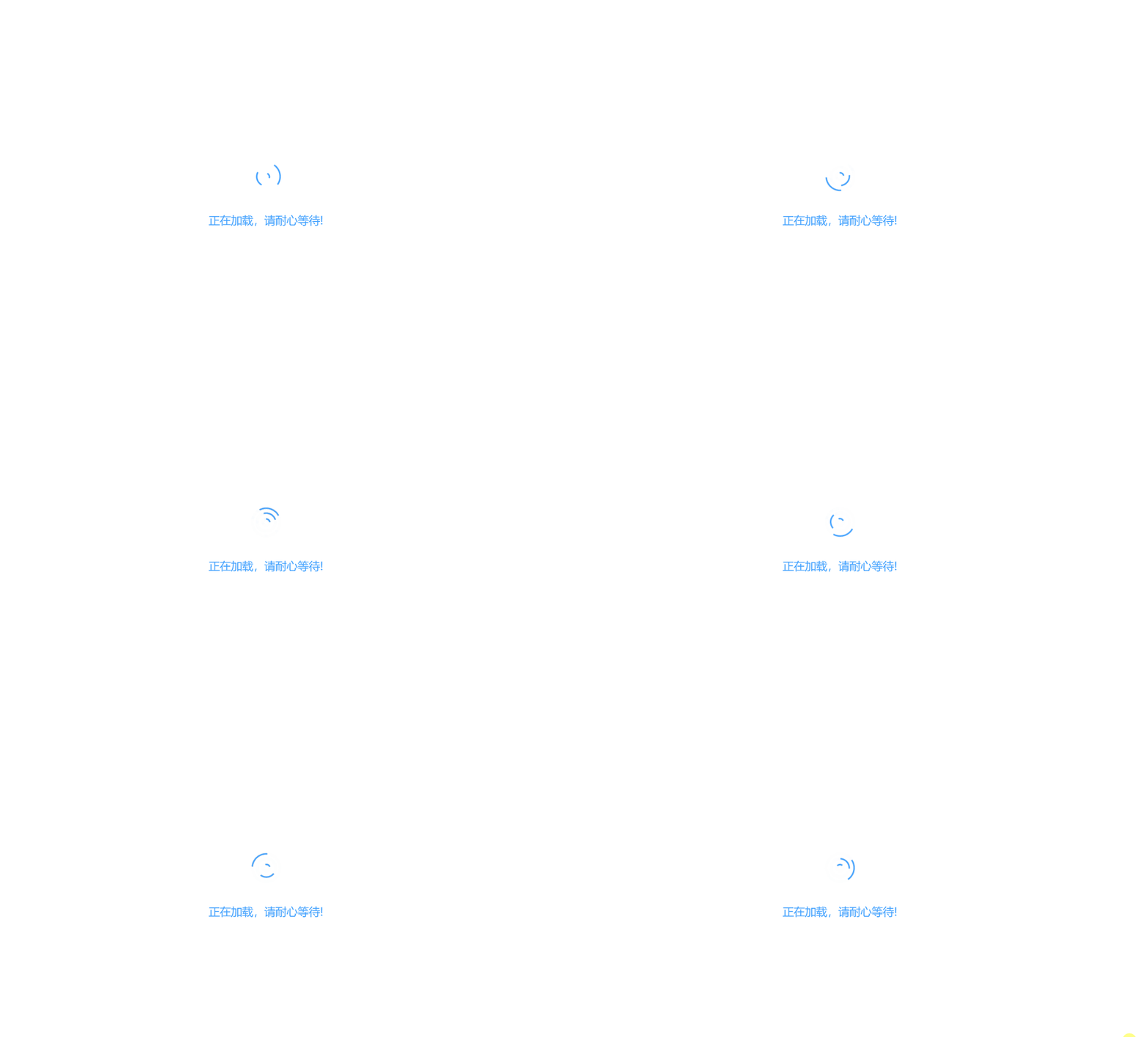
首屏加载动效
无论采用哪种首屏加载效果,都必须在 App.vue 的 created 钩子中删除
js
created() {
    document.body.removeChild(document.getElementById('Loading'))   // 加载页面完后移除加载动画
}
效果一

效果二

效果三